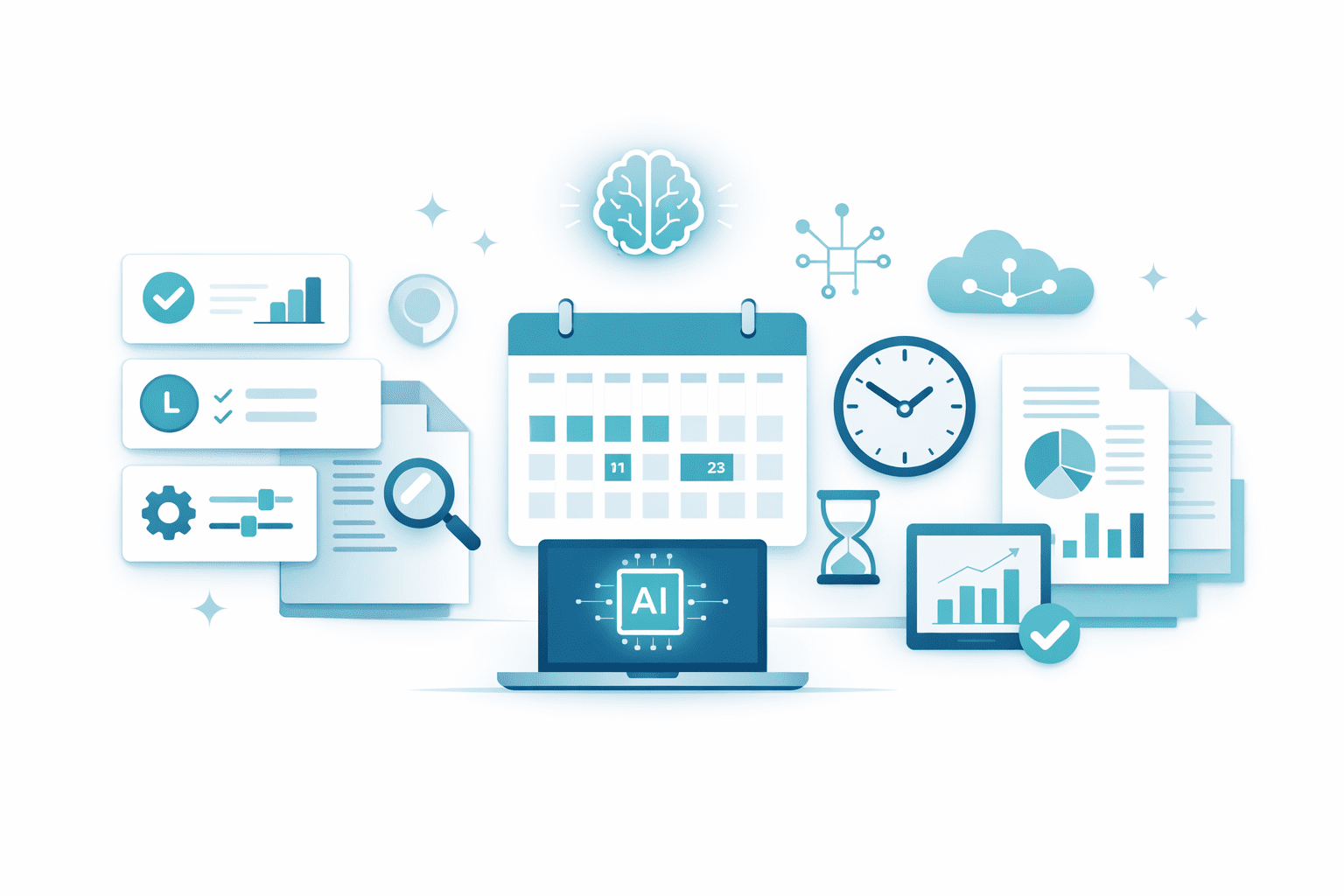
Modern work is changing fast. Tasks that once took hours can now be completed in minutes.
The biggest reason? AI productivity tools.
In this guide, we’ll compare AI productivity tools vs traditional software in simple terms and explain how AI tools save time in daily work—even for beginners.
What Are AI Productivity Tools?
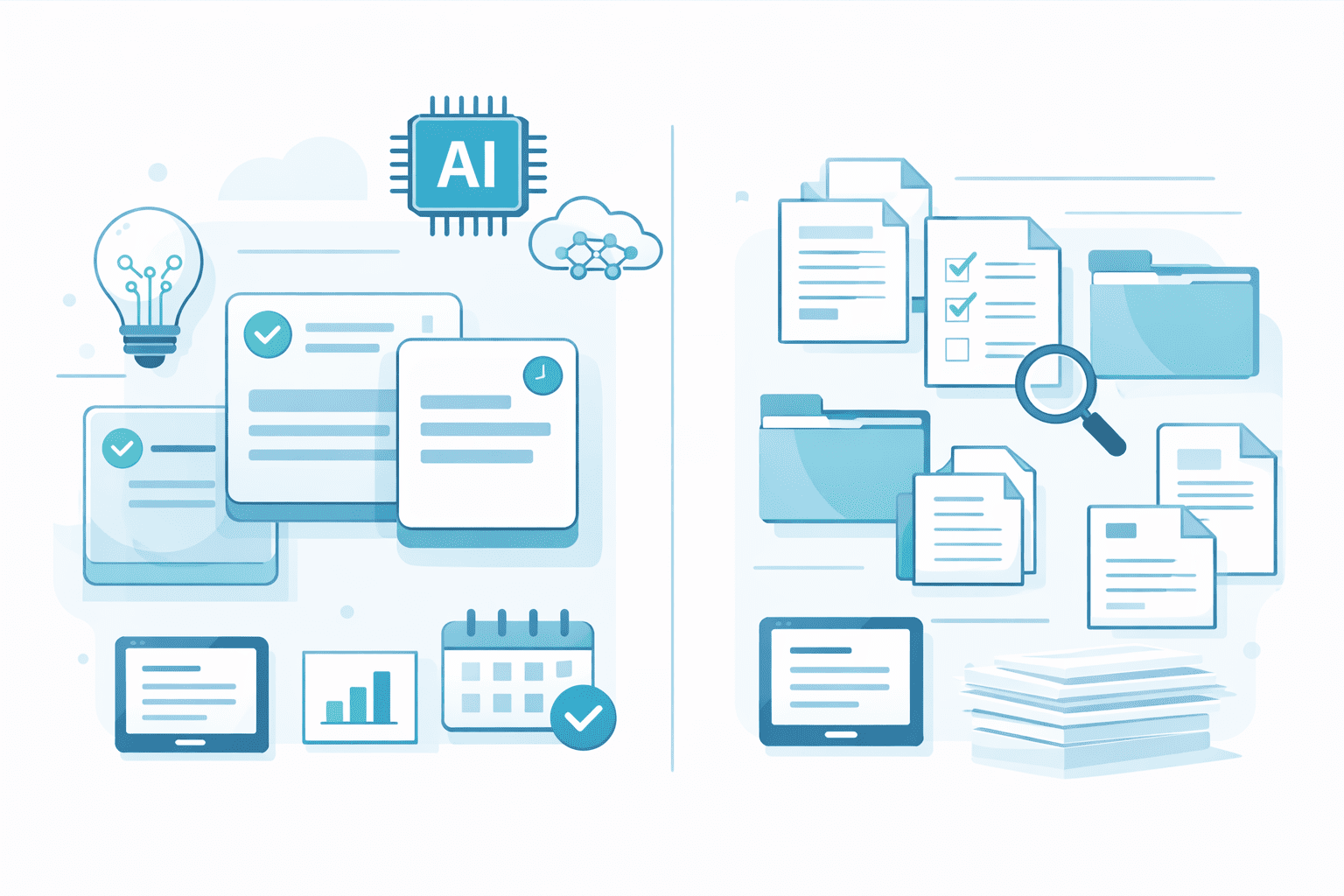
AI productivity tools are software applications that use artificial intelligence to automate, assist, or speed up work tasks.
Instead of doing everything manually, AI tools can:
- Suggest actions
- Automate repetitive steps
- Analyze information instantly
Learn from usage patterns
Examples include AI writing assistants, automation tools, smart schedulers, and AI-powered task managers.
What Is Traditional Software?
Traditional software follows fixed rules and requires manual input for most actions.
For example:
- You type everything yourself
- You manually copy, paste, and format data
- You must remember steps and workflows
Automation is limited or complex to set up
Traditional software works—but it often costs more time and effort.
AI Productivity Tools vs Traditional Software (Simple Comparison)
Let’s compare them side by side in real-world terms.
1 Task Automation
Traditional Software
- Tasks are mostly manual
- Automation requires complex setup
Repetitive work is unavoidable
- Automate repetitive tasks automatically
- Learn patterns over time
Reduce human effort dramatically
✔ Winner: AI Productivity Tools
2 Speed of Work
Traditional Software
- Slower due to manual steps
- Switching between tools wastes time
AI Productivity Tools
- Perform tasks instantly
Combine multiple steps into one action
✔ Winner: AI Productivity Tools
3 Learning Curve
Traditional Software
- Requires training and manuals
Not beginner-friendly
AI Productivity Tools
- Designed to guide users
Simple interfaces with suggestions
✔ Winner: AI Productivity Tools
4 Error Reduction
Traditional Software
- Human errors are common
Manual data entry increases mistakes
AI Productivity Tools
- Reduce errors using automation
Validate data automatically
✔ Winner: AI Productivity Tools
5 Adaptability
Traditional Software
- Same behavior every time
Cannot adapt to user habits
AI Productivity Tools
- Learn from usage
Improve recommendations over time
✔ Winner: AI Productivity Tools
How AI Productivity Tools Save Time in Daily Work
Here’s how AI tools actually save time in everyday tasks:
- Automating emails, reports, and summaries
- Managing schedules intelligently
- Organizing tasks automatically
- Reducing repetitive manual actions
- Helping users focus on important work
Even saving 10–20 minutes per task adds up to hours saved each week.
When Traditional Software Still Makes Sense
Traditional software is still useful when:
- Tasks are extremely simple
- No automation is needed
- AI tools are not allowed in certain environments
However, for modern digital work, AI productivity tools are usually the better choice.
Which One Should You Choose?
If your goal is:
- Saving time
- Reducing workload
- Improving efficiency
- Working smarter, not harder
Then AI productivity tools are the clear winner.
Traditional software is no longer enough for fast-paced work environments.
Final Thoughts
- The comparison between AI productivity tools vs traditional software shows one clear result:
- AI tools save time, reduce effort, and simplify daily work.
- As AI continues to improve, using traditional software alone will feel slower and outdated.
- At AI Unite, we focus on helping beginners understand and use AI productivity tools step by step—without confusion.
Call to Action (CTA)
What tools do you currently use—AI or traditional?
Share your experience in the comments below.