What Are AI Productivity Tools?
AI productivity tools are software applications that use artificial intelligence to help people complete tasks faster, reduce manual work, and improve efficiency.
Instead of doing everything manually, these tools assist you, automate small tasks, and suggest smarter ways to work — even if you have no technical background.
For beginners, AI productivity tools act like a digital assistant that helps with writing, organizing, researching, planning, and decision-making.
Why AI Productivity Tools Are Important Today
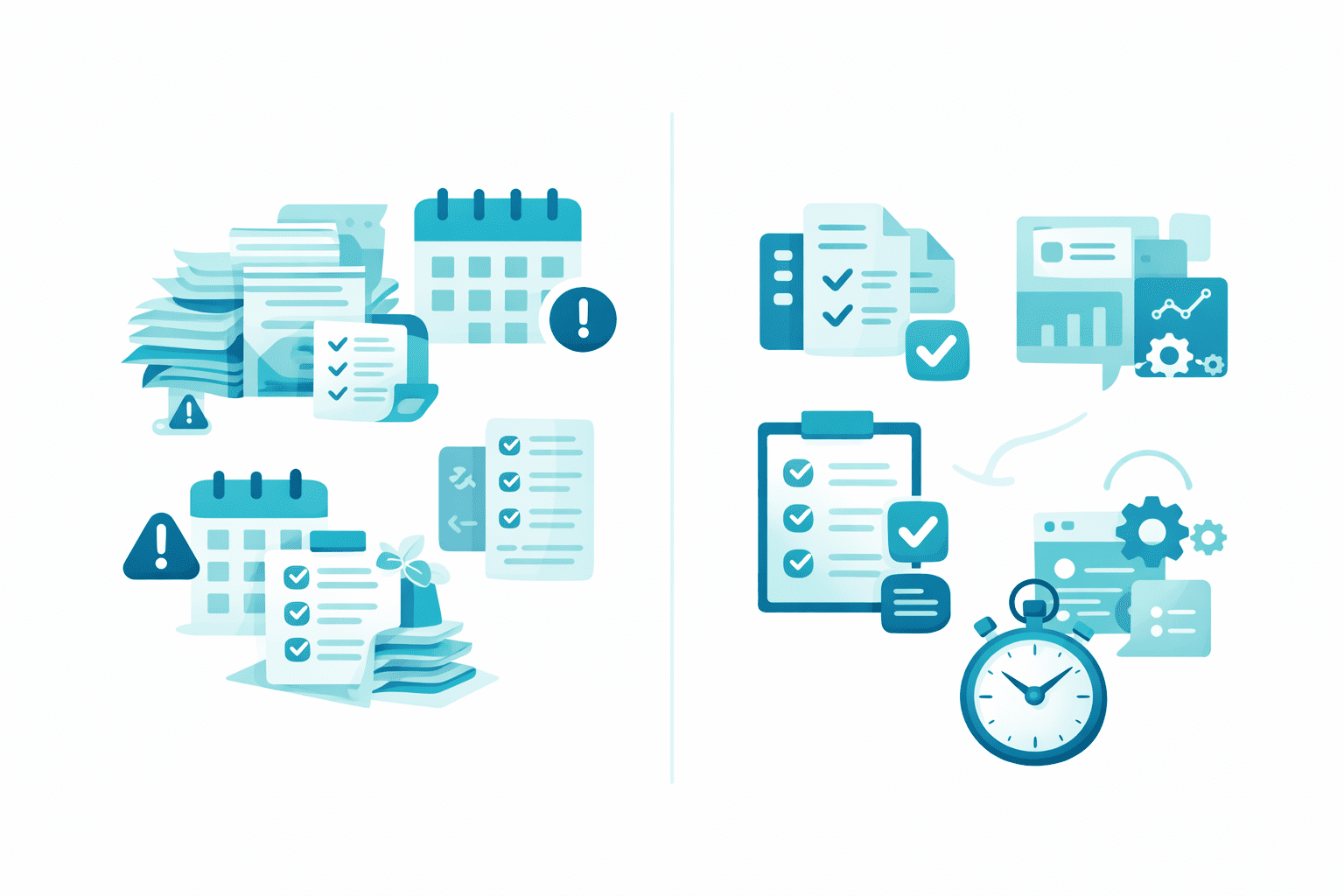
Modern work involves:
Too many emails
Repetitive tasks
Information overload
Limited time
AI productivity tools help by:
Saving time on routine work
Reducing human errors
Improving focus and clarity
Helping beginners work like professionals
You don’t need coding skills or technical knowledge — most tools are visual and user-friendly.
How AI Productivity Tools Work (Simple Explanation)
AI productivity tools typically work in three steps:
Input – You provide text, data, or instructions
Processing – AI analyzes patterns and context
Output – The tool generates suggestions, actions, or results
For example:
You write a short prompt → AI generates content
You upload notes → AI summarizes them
You connect tools → AI automates workflows
All of this happens in seconds.
Types of AI Productivity Tools (Beginner Overview)
1 Writing & Content Tools
These help with:
Writing articles and emails
Generating ideas
Improving grammar and clarity
Example use: drafting blog posts or replies faster.
2 Task & Organization Tools
These help you:
Manage tasks
Plan projects
Organize notes
Example use: keeping daily work structured and focused.
3 Research & Learning Tools
These tools:
Summarize long content
Extract key points
Speed up learning
Example use: studying smarter, not longer.
4 Workflow & Automation Tools
These tools:
Connect apps
Automate repetitive tasks
Reduce manual effort
Example use: syncing data or sending automated updates.
Who Should Use AI Productivity Tools?
AI productivity tools are ideal for:
Beginners learning modern tools
Students managing studies
Creators producing content
Professionals handling daily tasks
Small business owners improving efficiency
If you use a computer or smartphone daily, AI productivity tools can help you.
Common Myths About AI Productivity Tools
❌ “AI tools are only for experts”
✔ Most tools are designed for beginners
❌ “AI replaces humans”
✔ AI assists humans, it doesn’t replace them
❌ “You need coding skills”
✔ Many tools require no coding at all
How Beginners Can Start Using AI Productivity Tools
Start small:
Pick one tool only
Use it for one simple task
Practice regularly
Learn from real examples
Consistency matters more than learning everything at once.
Real Benefits of Using AI Productivity Tools
Work faster with less stress
Improve output quality
Learn modern skills
Reduce repetitive work
Stay competitive in the digital world
Final Thoughts
AI productivity tools are not complicated or scary.
They are practical, accessible, and designed to help beginners work smarter.
By understanding the basics and using the right tools, anyone can improve productivity step by step.
At AI Unite, we focus on clear explanations, real examples, and beginner-friendly guides to help you learn confidently.
Call to Action (IMPORTANT)
Explore our AI Productivity Tools guides to learn how to use the best tools step by step.
Have questions? Leave a comment — we reply.