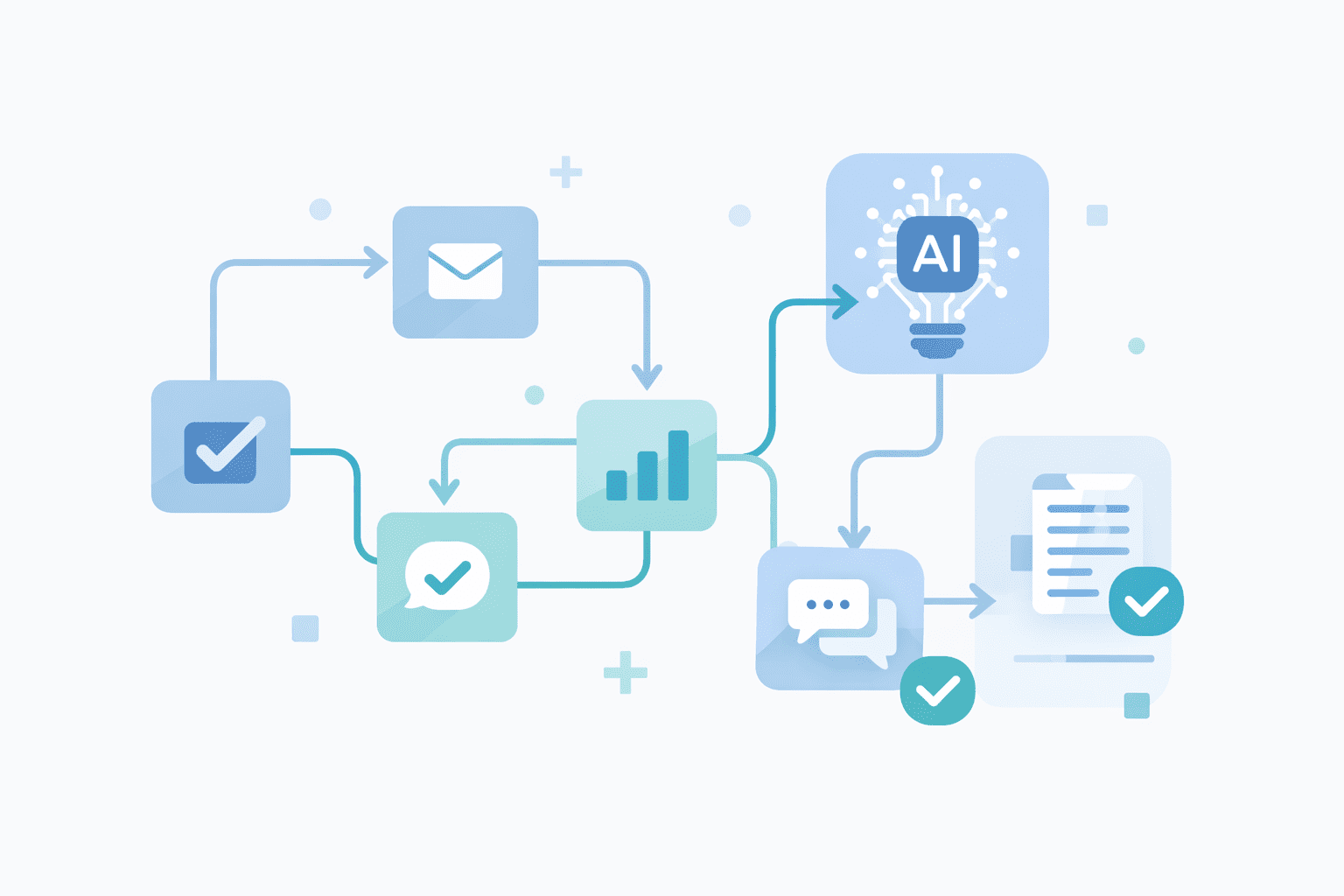
AI automation can feel confusing at first — especially if you don’t have a technical background. Many beginners hear about AI tools and automation workflows but don’t know where to start or how to use them practically.
This guide is written specifically for beginners. You’ll learn what AI automation is, why it’s useful, real examples you can relate to, and how to start step by step — without coding.
What Is AI Automation?
AI automation means using artificial intelligence to automatically perform tasks that usually require manual effort.
Instead of repeating the same work every day, AI tools can:
Process information
Respond to messages
Organize data
Connect apps and workflows
Simple example:
Instead of manually replying to emails, an AI tool can:
Read the message
Understand the intent
Draft or send a response automatically
For beginners, AI automation focuses on simple, practical tasks, not complex systems. You don’t need programming skills — modern AI tools are designed for non-technical users.
Why AI Automation Is Useful for Beginners
AI automation is especially powerful for beginners because it:
Saves time on repetitive tasks
Reduces manual errors
Improves productivity without hiring help
Helps you learn modern, in-demand skills
Makes daily work faster and more efficient
By starting small, beginners can build confidence and gradually understand how automation works in real life.
Examples of AI Automation for Beginners
Here are simple, beginner-friendly examples of AI automation:
Work & Productivity
Using AI to draft emails or blog content
Scheduling social media posts automatically
Organizing tasks with AI-powered planners
Data & Information
Automatically moving data between apps
Summarizing long documents or videos
Generating reports using AI tools
Customer Support
Automating replies with AI chatbots
Answering common questions automatically
These examples show that AI automation doesn’t have to be complex. Even small automations can make a big difference.
Best AI Automation Tools for Beginners
Beginner-friendly tools usually fall into two categories:

AI Tools (Intelligence)
ChatGPT for writing, ideas, and problem-solving
AI content tools for summaries and research
Automation Platforms (Workflows)
Zapier or Make for connecting apps
n8n for visual, flexible automation workflows
AI scheduling tools for task management
The best approach is to combine AI tools with automation platforms to create smart workflows.
How to Start Learning AI Automation Step by Step
If you’re new to AI automation, follow these steps:
Start with one small task you want to automate
Choose a beginner-friendly AI or automation tool
Follow step-by-step tutorials instead of advanced guides
Test your automation before expanding it
Learn from real examples and case studies
Consistency matters more than learning everything at once.
Final Thoughts
AI automation doesn’t have to be complicated. By understanding the basics, choosing the right tools, and practicing with simple workflows, anyone can start automating tasks and working smarter.
At AI Unite, we focus on practical tutorials, real-world examples, and beginner-friendly learning to help you build AI automation skills step by step.